Twitch Streaming
Twitch Streams!
As the title of this page suggests, I've been streaming on Twitch for some time.
I started roughly in the winter of 2021; I didn't have too much to my stream setup aside from my (at the time) newly built PC, mainly only streaming
Tetris Effect: Connected.
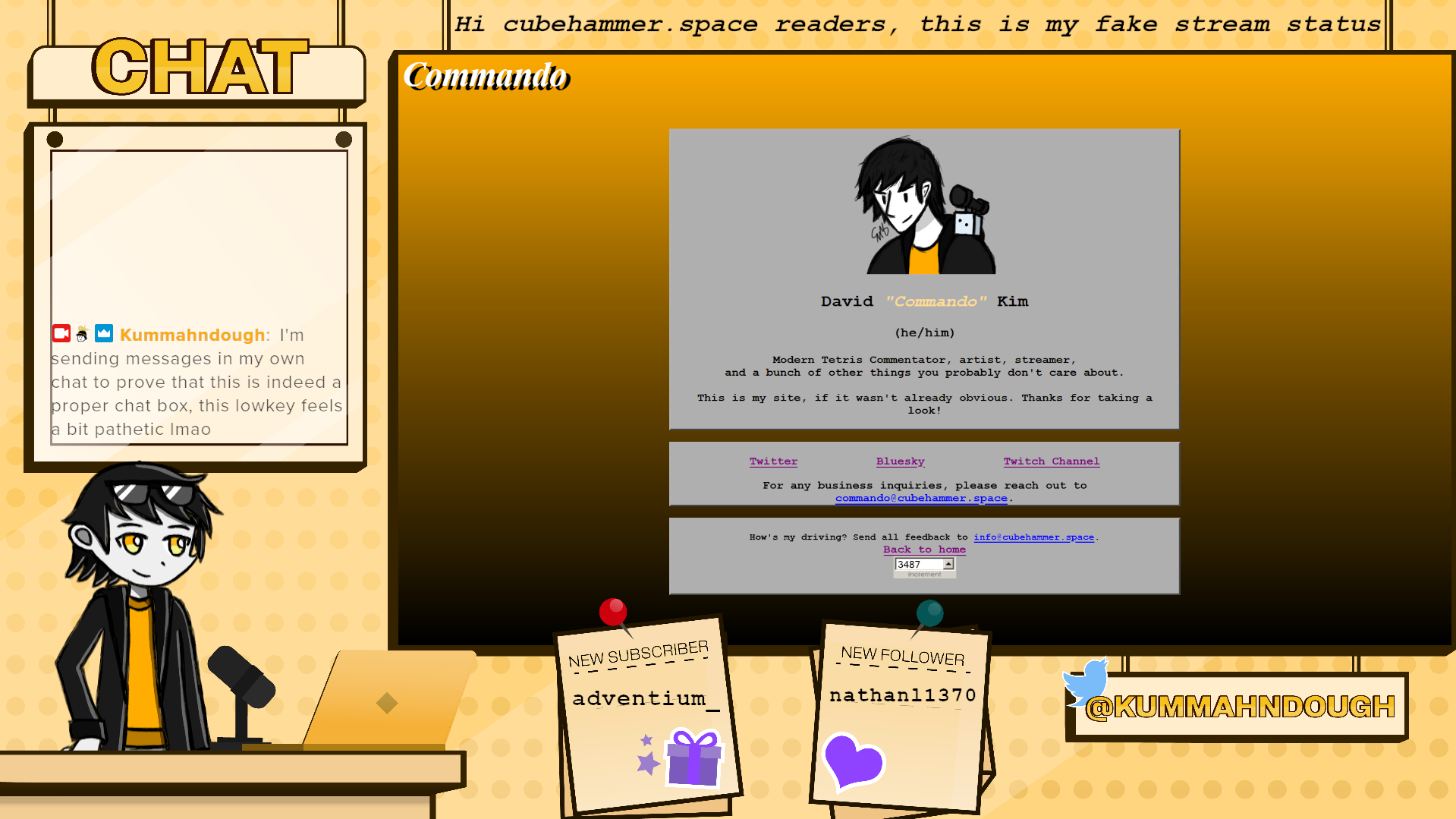
That's not what matters, though. What matters is how my streams are currently laid out, which I think has turned into a very nice stream layout!
The overlay that I use for my streams was commissioned by a friend of mine, OQ. As far as I can tell, they don't really
have much of an online presence, and I think that's intentional.
As for the layout itself, let's break that down; I'll start simple with the chatbox + alerts.
Both my stream's chatbox and the alerts are done through StreamElements. I originally used Streamlabs,
but pivoted away from it due to the many issues that Streamlabs had in terms of the functionality of their services. Getting the layout set up was a bit
odd, having several different boxes be consolidated into one webhook, but it makes setting other stuff up via OBS a lot easier. Aside from the stream status
and my Twitter handle, basically every piece of text you see on screen is controlled by
the StreamElements overlay.
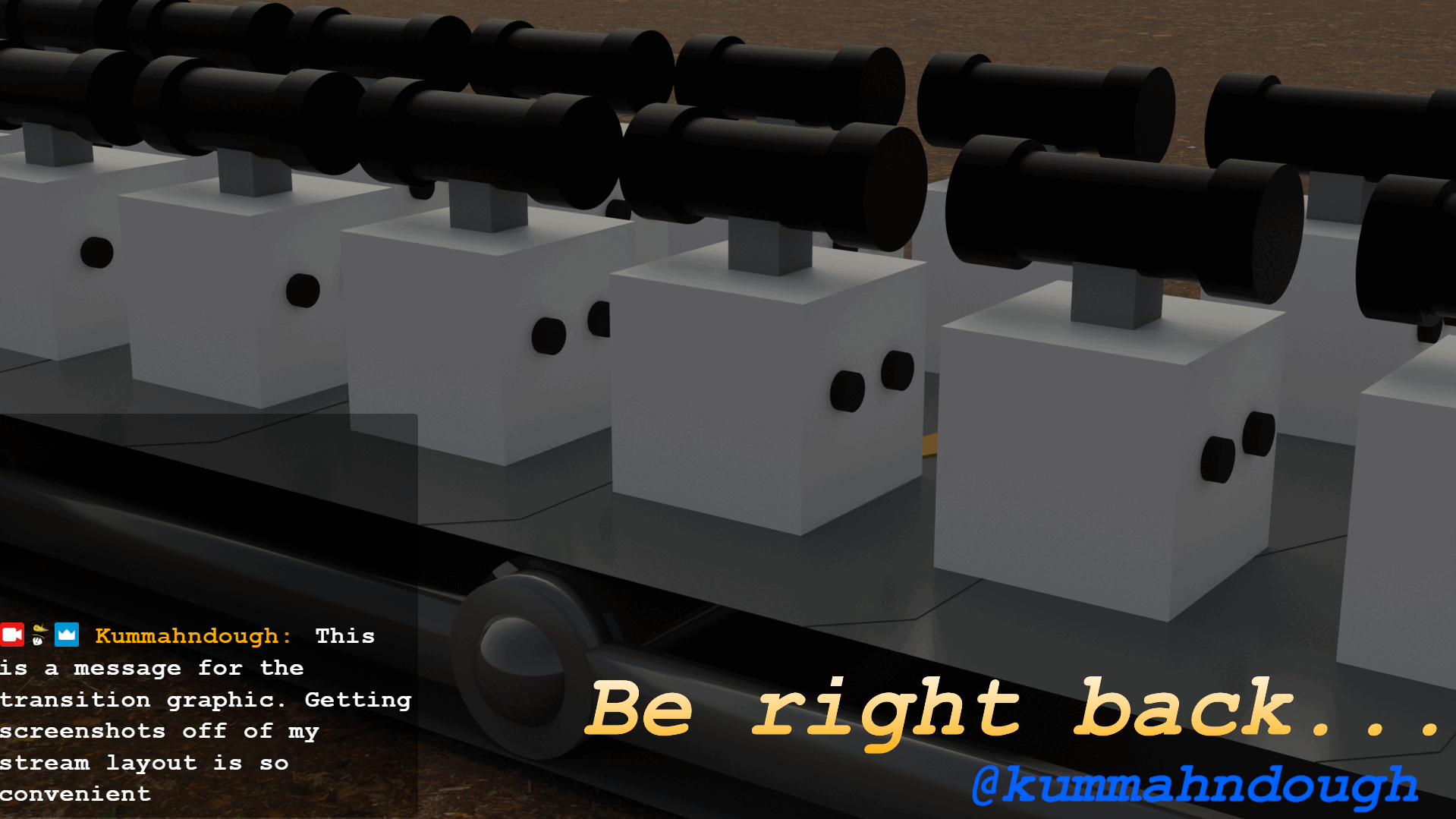
Whenever I need to step away from my computer mid-stream, I have a reliable BRB screen that I can use, too! Some people don't use these, but whenever I'm not
using my webcam, it's not going to be easy to tell if I'm actually AFK or just really locked in. It's just a separate OBS scene that has a nice little animation
that my friend Amber made for me. (It wasn't actually designed for my streams in mind, I wanted to just use it as a wallpaper, but I realized it works really
nicely as a BRB graphic.)
In terms of other things used to make my streams work, I have the following:
- Open Broadcaster Software for actually streaming, though that's probably a given
- Veadotube Mini for my PNGTuber. (The PNGTuber itself was drawn by me.)
- Vroid Studio for making my VTuber model and VSeeFace for rigging it.
- An Elgato HD60 Pro for getting footage from my Switch 2. (This model is old; you probably won't find it anymore.)